
 Those who have read some of my writings on various routing devices are probably aware of my frustration at almost all of these devices being concerned with reaching a point with absolutely no consideration for following a specific path to get there. It’s a sad situation that has only gotten worse. Garmin continues to make models that support this to some degree but they are pricy and, in my opinion, not exactly ideal. A company named River Pilot Tours once offered a turn-by-turn guide to Route 66 (reviewed here) that worked with certain Garmin models but gave it up when compatibility issues appeared with newer Garmin products. MAD Maps once offered a selection of guides that worked with those same Garmin products to provide turn-by-turn directions. When newer Garmin products caused problems, they were dropped and plans announced to replace them with guides for smartphones.
I was kind of excited when Touch Media announced this Route 66 Navigation app in early 2018. Combined with MAD Maps’ smartphone plans, it made me think that I might soon be able to use my phone for the sort of path following that most dedicated GPS receivers weren’t very good at. But I couldn’t check out Touch Media’s product myself since it required being on the route and MAD Maps products required waiting. Then the COVID-19 pandemic pushed aside most travel and any chance to test the Route 66 Navigation app. Maybe it also pushed aside MAD Maps app development. Something did. The MAD Maps website still mentions “apps for iPhone and Android platforms (Fall 2021)” but I can find no product listed in Google’s Play Store.
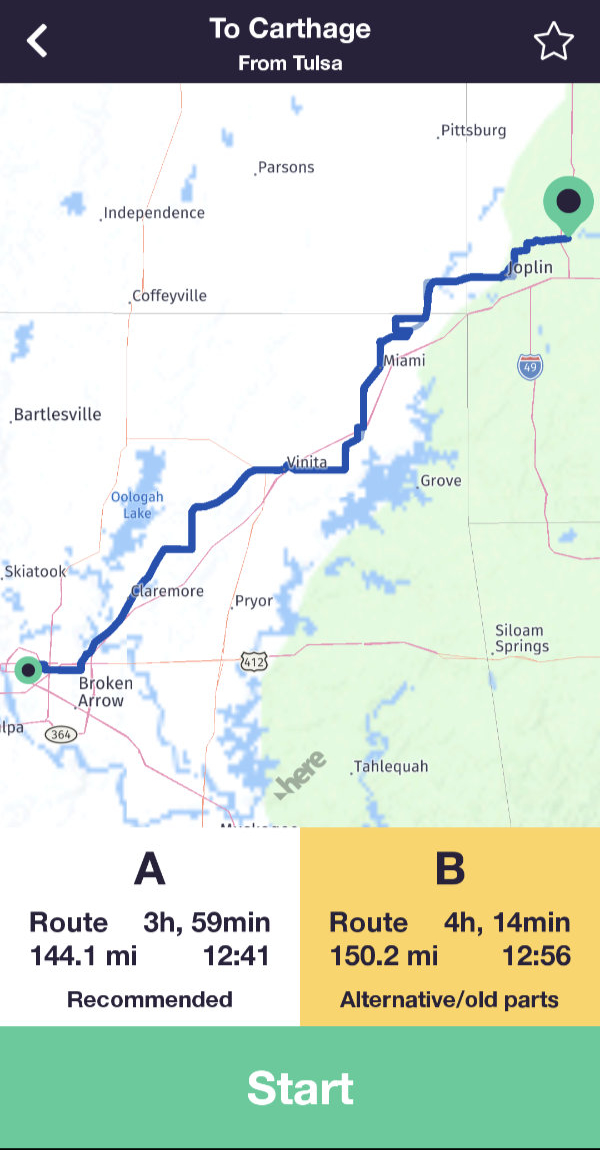 There were a couple of near misses and at least one false start but I finally got to give Touch Media’s Route 66 Navigation a try during my 2022 Christmas MOP trip. A winter storm interfered a bit with my plans so I made my trial headed northeast rather than southwest as intended. That really didn’t matter since the app supports travel in either direction. I began with a drive from Tulsa, OK, to Carthage, MO. The app offers two alignments and I went with the recommended “A” alignment. This appears to be the more “mainstream” of the two. The app uses current position and selected direction to determine a list of cities from which to pick start and end points.
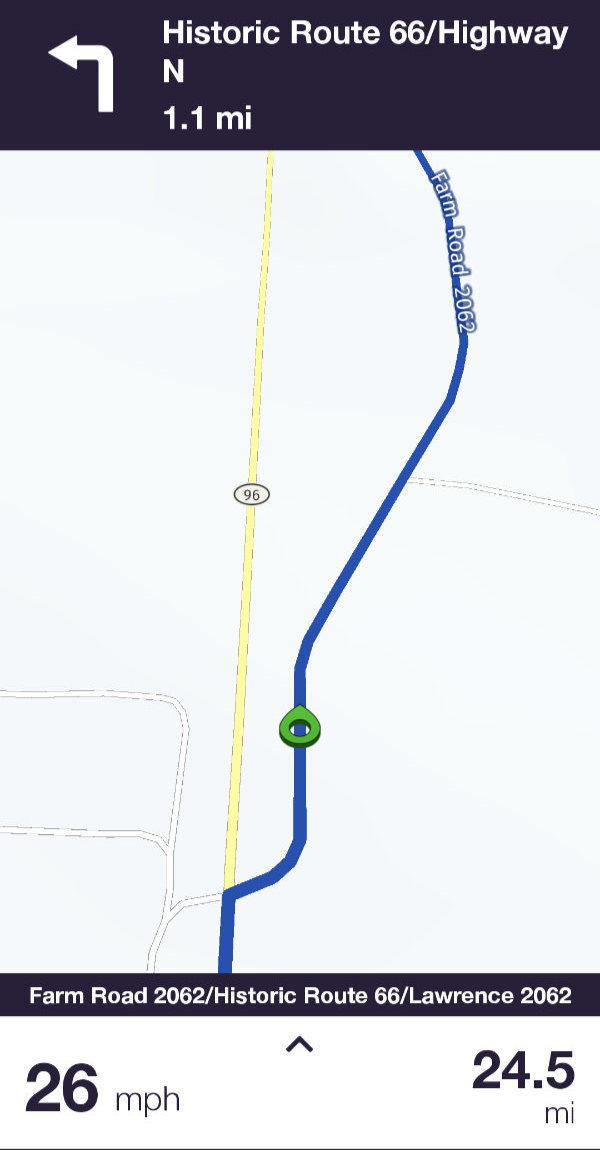 The route appears as a line on the map and it is never recalculated. That was my first real evidence that this product might be different from the rest. A circular green pointer tracks current position in real-time. The next driving instruction is displayed at the top of the screen along with its distance. Each instruction is announced vocally immediately after completing the one previous and at various points that follow. A final “Now turn left” or something similar is spoken with just enough time to complete the maneuver provided you are in the correct lane. These vocal instructions are quite important to me since I mostly travel alone. My phone or GPS receiver fills the role of navigator without arguing about turning back to photograph an old barn, complaining about me making the same wrong turn three times in a row, or decimating my snack supply.
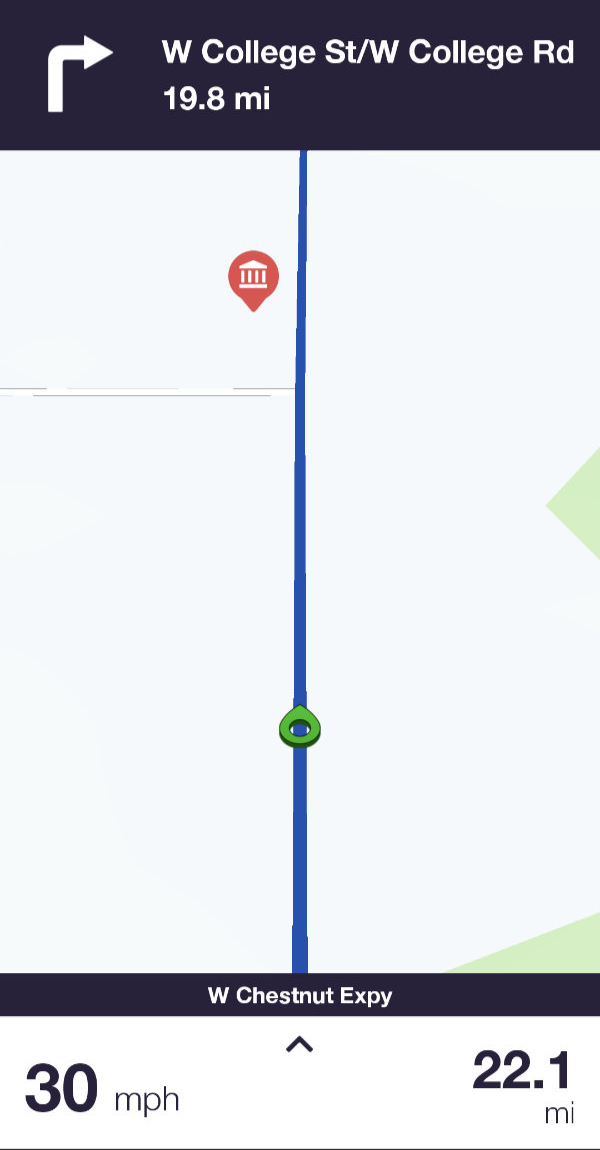 There is a gap in the app’s audible offerings that I think is kind of serious. It has knowledge of somewhere around a thousand points of interest along the historic highway. A visual notification appears when one of them comes near. That’s useful if you’re actually watching the phone but is almost always missed if you’re watching something else like the road. A spoken name or other identifier would be wonderful but even a simple beep, which is what the River Pilot Tours Garmin app did, would be enough. In fact, I initially thought that the beep I heard occasionally might be a POI alert but was unable to associate it with actual attractions. I eventually learned that it is a speed limit alert than can be disabled.
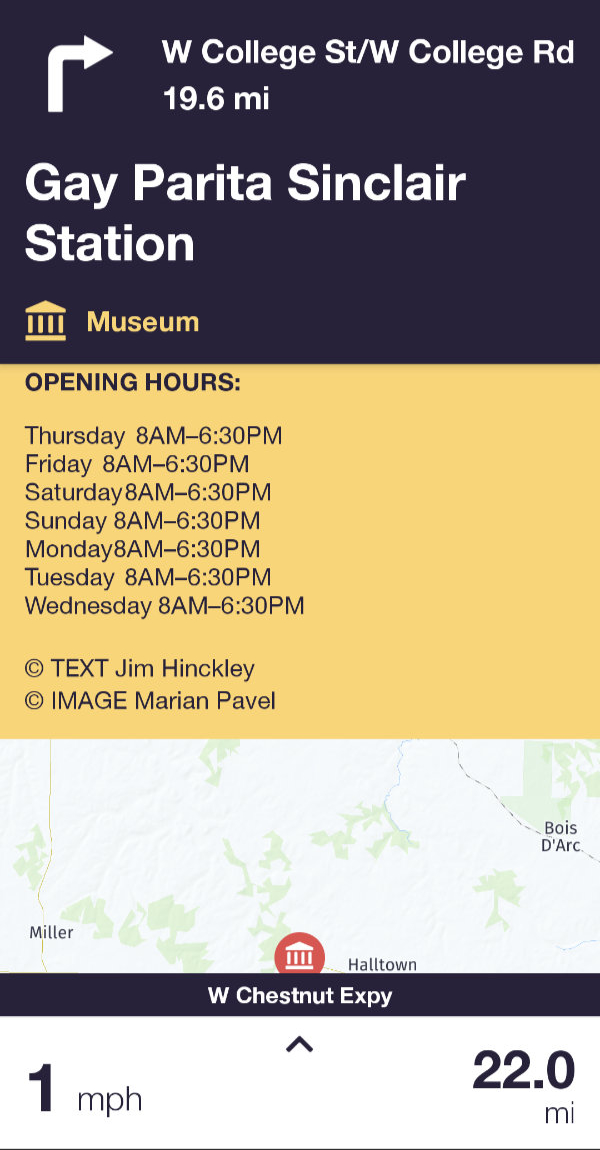
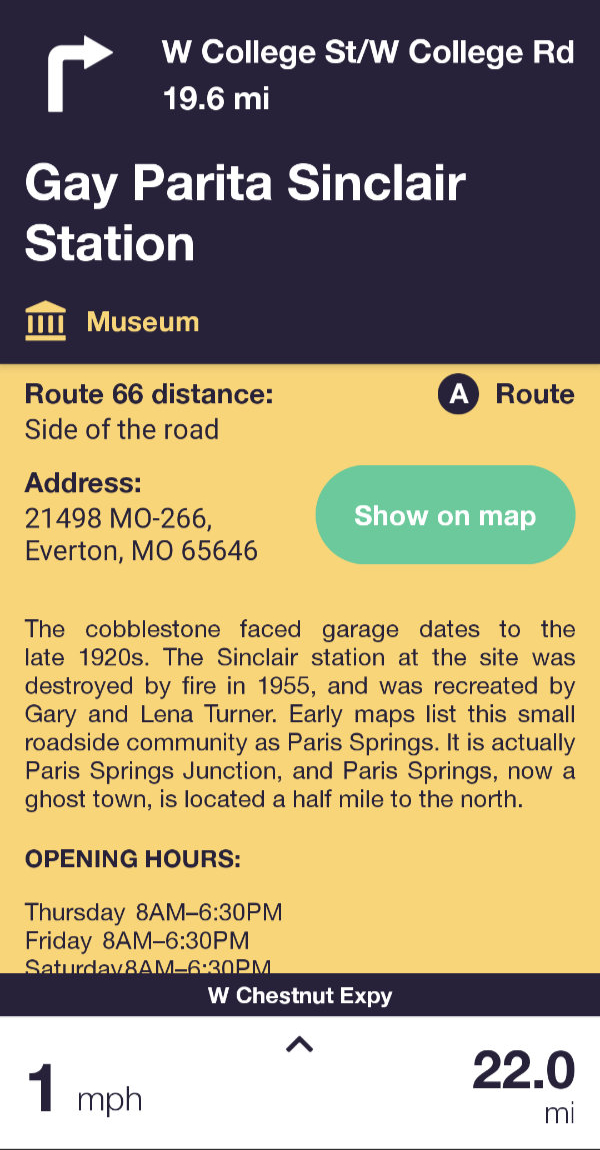
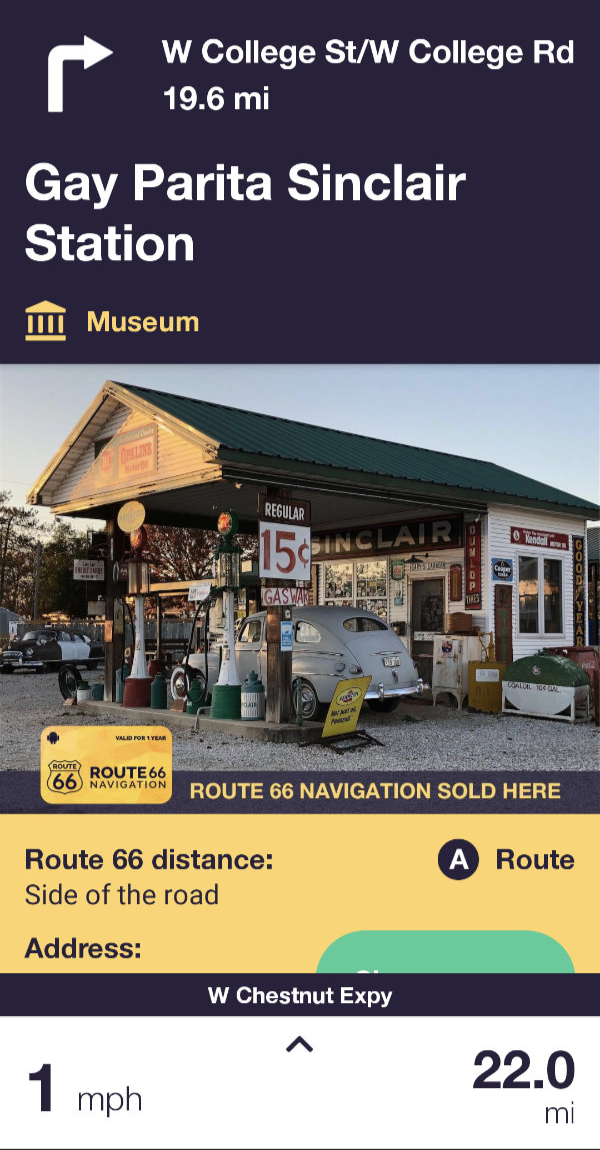 Of course, that brief visual announcement is not the only way to learn of POIs. Markers for them are displayed on the map and there is a list organized by state. Details, such as those shown for Gay Parita, are accessed by clicking a marker or list entry and are available whether or not you are anywhere near Route 66. Navigating directly to a POI can be initiated from its detail page.
For me, how the navigation aspect of the app behaves when a traveler veers off of the route is arguably the most important question related to this product. Although veering off route is something I did many times (both intentionally and not), I somehow failed to grab a single screenshot of it. The short description is that it does pretty much what I think it should. For starters, it does not recalculate the main path. The line that represents Historic Route 66 remains in place. The app automatically calculates a path back to the nearest point on that line. This secondary path is constantly recalculated — as turns are missed and the nearest on-route point changes — until you are back on course. Excellent!
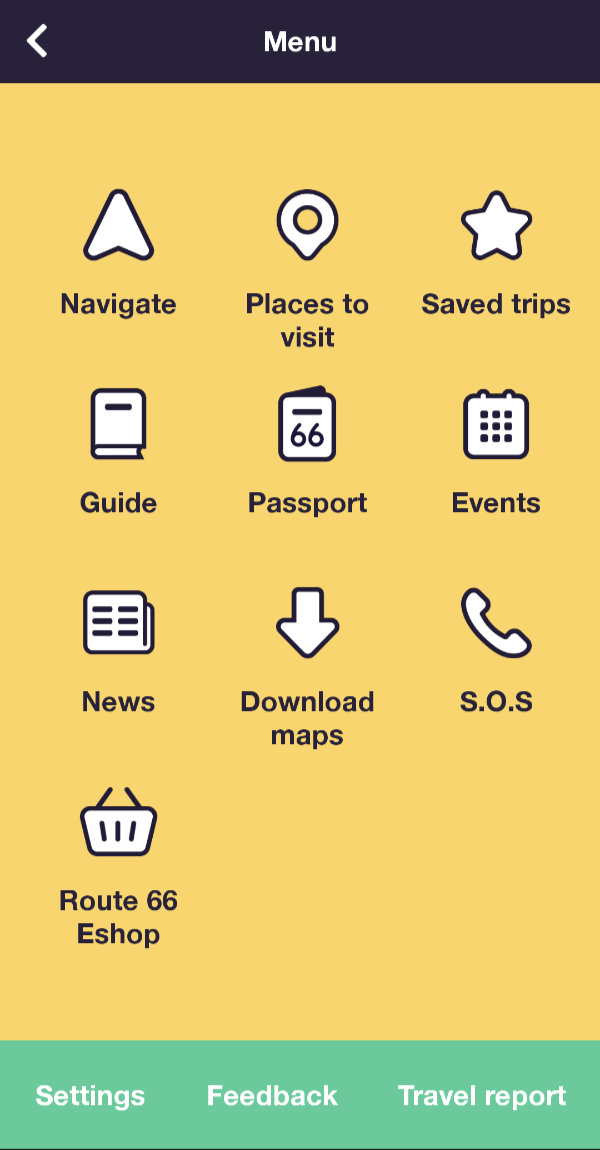 There is much to this product that I haven’t explored or even touched on. I don’t even know for certain that my biggest negative, the lack of audible POI alerts, isn’t solvable by some setting that I haven’t found. I do know that the answer to my biggest question is yes. Yes, Route 66 Navigation will keep you on course along Historic Route 66. It will do it in both directions and will let you choose between a recommended and alternative path for your travels. Of course, there are many more than two possible paths on Route 66 and it is really impossible for any guide to offer them all. Identifying every possible point of interest is also near impossible and I can’t say for sure that one or more haven’t been missed. But the version I have installed lists 1,154 so it couldn’t have left out very many. Each entry contains a photo, a description, the location, and contact information if appropriate. The Touch Media staff has done an impressive job in pulling all this information together and Route 66 authority Jim Hinckley has supplied much of the descriptive text. In another stick-with-the-experts move, the RSS feed from Ron Warnick’s Route 66 News is used for the app’s own news section.
The app can be downloaded free from Apple’s App Store or Google Play and many of its features accessed at no cost. However, access to its real reason for existing, real-time navigation, requires a paid subscription. Because I have an active subscription, I cannot currently see the in-app pricing but do know that I paid $30.09 for a one-year Android subscription. Online sources show varying rates but all are somewhere around $20/week or $40/year. The price has triggered some negative comments and the fact that it is a subscription has triggered even more. Some of those comments are from people who think that all things digital should be free because no steel, gold, or vinyl is physically transferred. Those can be completely ignored.
I’m no different than most folks in instinctively preferring a one-time purchase over a subscription but I also understand that the purchase model might not be the best for products subject to frequent changes from outside sources. Route 66 Navigation is clearly one of those products. Over time, businesses and roads open and close, and reflecting the real world is key to this app’s value. Although “subscription” is an accurate label, thinking of Route 66 Navigation’s period-based payments as “rent” might work better for some people. Many Route 66 travelers rent vehicles for the trip. Renting or hiring a guide is not terribly different.
Regarding the price, everyone has to evaluate that for themselves. For this solo traveler, having a reliable navigator tell me when and where to turn without criticizing my driving or raiding my cooler is nearly priceless. I personally think Route 66 Navigation is priced right. Now, if I only had a way to make my phone behave similarly for routes I’ve plotted myself, I could ditch my Garmin or at least get by with a cheaper one.
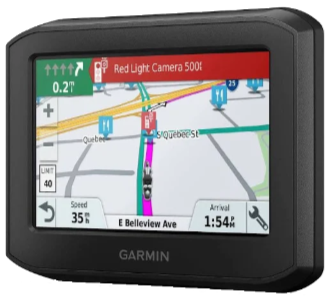 Everybody’s out of step except my boy Denny. That’s sure how it seems when the subject is GPS routing. I have once again purchased a Garmin product that disappoints me. It’s not that it doesn’t have some wonderful features or that it’s shoddily made. It’s because it doesn’t handle predefined routes the way I think it should. The out-of-step feeling comes from the fact that almost no one else sees any problem at all with the manner in which the unit plays back what it calls “Saved Trips” while I see some very big problems.
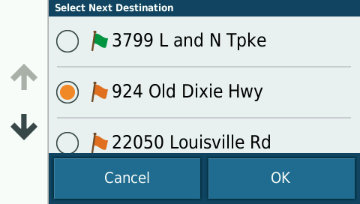 With the 396, you MUST select one of the route’s waypoints before starting and you MUST physically reach it or manually skip it which simply selects the next one. Of course, I really don’t want to manually pick a starting point, but even if I did my routes contain mostly automatically generated point names which provide little help in selecting one.
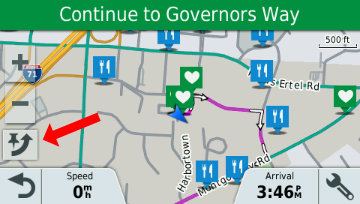 I guess that isn’t an issue when starting a route at the very beginning but it certainly is an issue when joining (or rejoining) a route in the middle. I did try to simulate the desired operation by selecting a point prior to the one I knew to be next, driving to intersect the plotted line, then skipping (red arrow) the selected point. I’m not 100% sure this actually works without altering the path to the next point, but even if it does, it’s a complication that did not exist in the prior model.
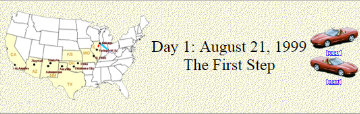 A lot of things about the site have changed over the years but some things begun with that first trip have stuck. The concept of a page for each day with access to the next and previous day has been in place since the beginning as has a cover page with direct access to individual days. The idea of using the daily “Next’ and “Prev” button to (usually) represent the vehicle being used also goes back to that first trip. An animated GIF showing progress has been used on a few subsequent trips but it requires knowing the full route in advance and that’s often not the case. Besides, it’s a fair amount of work.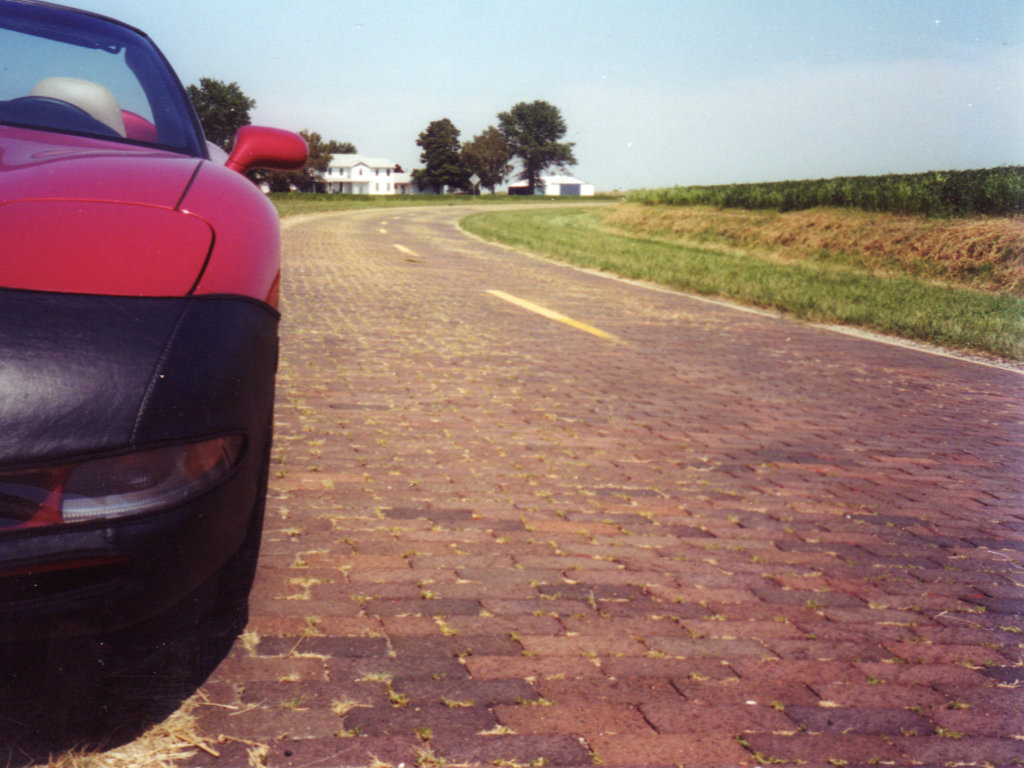
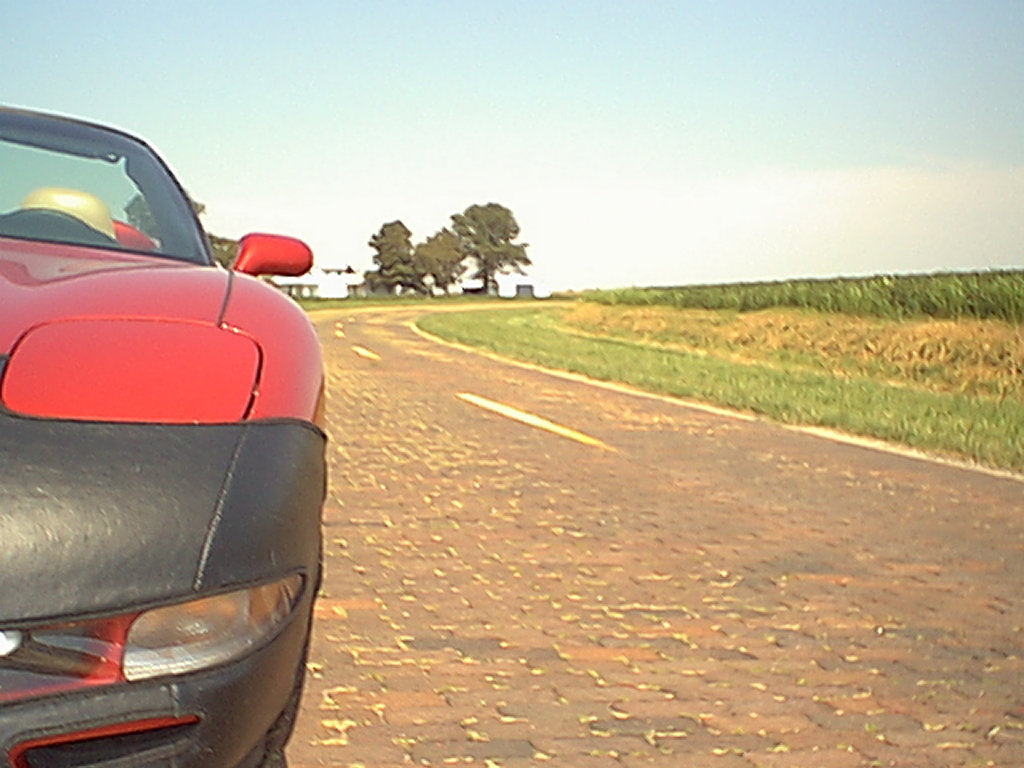
 The final cover page for that trip talks about it being temporary. As I said at the time, I expected it to go away because “I’ll need the space or retiring it will just seem right.” Web space became increasingly cheap and apparently retiring it never seemed right. Two decades later that first trip journal is still online and I’ve added 155 more. There is a
  It looks like Garmin BaseCamp first appeared in 2008. I don’t recall when I first downloaded it but I do recall that it sucked. I use Garmin hardware and Garmin software is required to communicate with it. BaseCamp was the intended replacement for their MapSource program and, while I was hardly a fan of MapSource, at least it didn’t crash or hangup too often. Early BaseCamp did both somewhat regularly and its user interface was no more intuitive to me than MapSource’s. I put off switching as long as I could but the day came when I was forced to replace a program I didn’t like at all with one I disliked even more.
 DeLorme Street Atlas is one of my oldest tools. I started using it in 2001. I’ve talked about it in a few posts but was surprised to see that it has never been the primary focus of a post. The reason, I suppose, is the old story of taking something for granted until you lose it. The first version I used was 9.0. There were a few more numbered revisions and a misstep into a Road Warrior version before the numeric year was used in the product name and a string of annual releases began. I didn’t grab every one. I more or less fell into biennial mode and upgraded just every other year. 2016 was to be my next planned update but plans changed. In early 2016 Garmin closed a deal to acquire DeLorme and all Street Atlas development was stopped. 2015 was the final version produced. This first post with DeLorme in the title will also be the last.
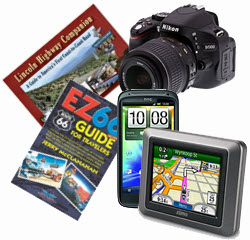 I recently received a request/suggestion for a post on “must have” road trip items. I initially blew it off but returned to it a week or so later. Since I am about to actually head out on a road trip, I need to stockpile some “dateless” (“timeless” almost, but not quite, fits) articles for posting while I travel. You know, the “Trip Peek” or “My Wheels” sort of things that have no connection to what I’m actually doing but can be posted at anytime to meet the blog’s every Sunday schedule. In the middle of generating a couple of “Trip Peeks”, I remembered the email and realized that the suggested “Road Trip Essentials” was as good a topic as any. Of course, it would take more time than a “Trip Peek” but it could be sort of a consolidated “My Gear” and it might be fun. If it also made somebody (the requester) happy, even better.
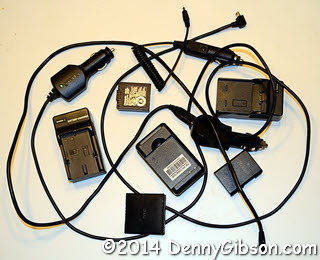 Of course, all of those accessories have their own accessories. For many years, I only bought gear that used AA batteries on the theory that I could always buy power at the corner drug store if required. I believe that happened once. I carried around a bag of nicads and the chargers to fill them in either car or motel. I eventually had to abandon that position but I still cling to the ability to recharge everything whether stopped or on the go. I now carry spare proprietary batteries and AC/DC chargers for two different cameras and a cell phone. I do not carry a spare for the GPS since I seldom operate it on battery power.
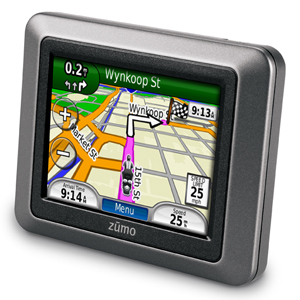 About eleven months and a couple of My Gear chapters ago, I described my frustrating experience with a
 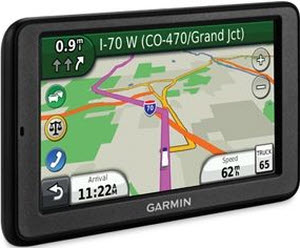 This product took me to within one U-turn of abandoning Garmin completely. It replaced a Garmin Quest which was, in my opinion and for my purposes, nearly perfect. I talk about that
  I started using Garmin’s MapSource when I got that first GPS back in 1999. That