 …that I got the first trip underway. This blog typically uses Wednesdays for reviews or nothing at all. Calling this post a review is a stretch. It does not evaluate a book or CD that you might consider buying or a movie or concert you might consider attending. It’s a look back at a road trip that not you, nor I, nor anyone else can ever recreate. Calling it a re-view (as in view again) allows me to publish it on a Wednesday without breaking any rules which means it appears on the twentieth anniversary of the first day of travel of the very first of my documented road trips.
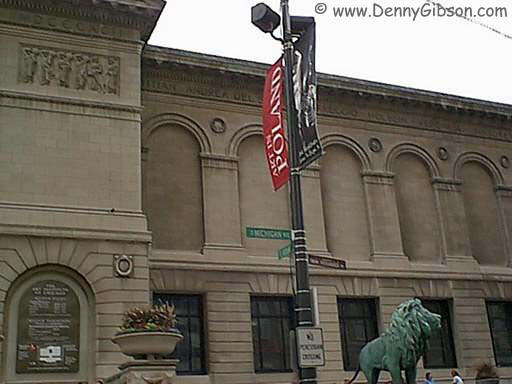
4600 Miles to Bowling Green (a.k.a. Rt66in99) is how this website began. August 21, 1999, wasn’t the first date something had been posted to the site. Besides the trip’s cover page, some auxiliary pages had been created to provide a little background and context. To be entirely honest, the August 21st posting wasn’t even the first daily journal to appear. Circumstances kept the trip from starting on the 20th as scheduled but I called it Day 0 and still made a journal entry. In addition, there had been practice entries for Day -33 and Day-202. (The only way to reach these pages is to click “Prev” on Day 0.) But August 21, 1999, was the day I departed Cincinnati, drove to Chicago, and snapped a picture of the intersection of Adams and Michigan to appear in my first from-the-road journal entry.
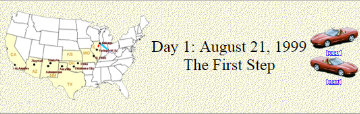 A lot of things about the site have changed over the years but some things begun with that first trip have stuck. The concept of a page for each day with access to the next and previous day has been in place since the beginning as has a cover page with direct access to individual days. The idea of using the daily “Next’ and “Prev” button to (usually) represent the vehicle being used also goes back to that first trip. An animated GIF showing progress has been used on a few subsequent trips but it requires knowing the full route in advance and that’s often not the case. Besides, it’s a fair amount of work.
The organization of trip cover pages and of the site’s home page have changed over the years as features have come and gone and the number of completed trips has increased, but it’s still a clunky 1999 website. At my age and the site’s age, that isn’t likely to change. I’ve done some rework to accommodate things like small screen mobile devices and I’ve incorporated a few third-party tools to support a blog, mailing lists, and RSS feeds but the site is basically good ol’ HTML with the dated appearance and other characteristics that come with it.
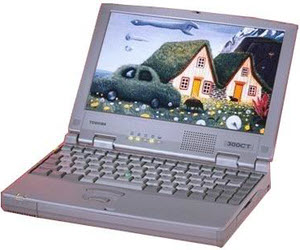
Advancements in technology have brought improvements to the site but even more to the road trips documented here. A series of blog articles, My Gear, documents the various hardware used on the trips while another, My Apps, documents the software. The first three My Gear chapters describe the camera, computer, and GPS receiver used on the first trip. Of these, only the camera had a direct effect on the appearance of the website. That camera was a 350 kilopixel Agfa ePhoto 780c. It may be hard to believe there were once digital cameras with sub-megapixel resolution but easy to understand how a camera upgrade could really improve the website. The sluggish (by today’s standards) Toshiba Libretto and dial-up internet left no lasting marks on the website beyond limiting the amount of data uploadable during an overnight stop. The GPS provided some statistics I used on the site but otherwise had nothing to do with it. My Apps – Chapter 1 talks about the website and image editing software used on the first trip. Maybe better image software could have made those 1024×768 (extrapolated) images look better but I have serious doubts. FrontPage Express, the web editing software I initially used, did have lasting impact. The textured beige background that is used on almost all journal pages came from its built-in inventory. My Apps – Chapter 2 is about the software I used to produce printed route instructions which the GPS sort of helped me follow.
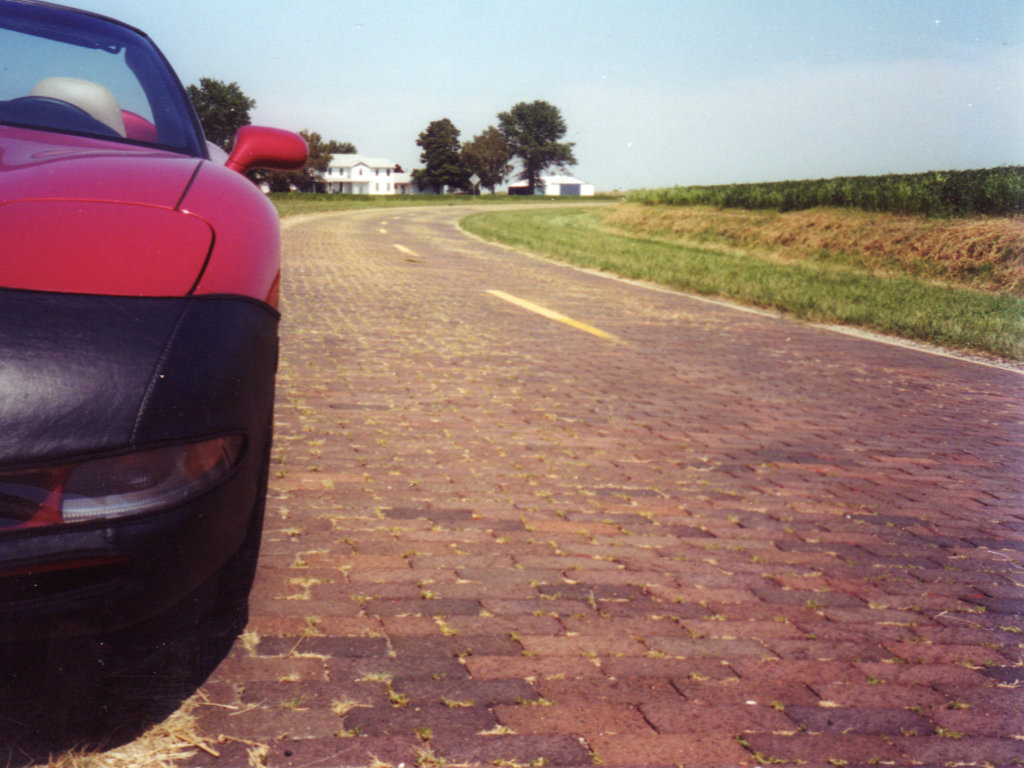
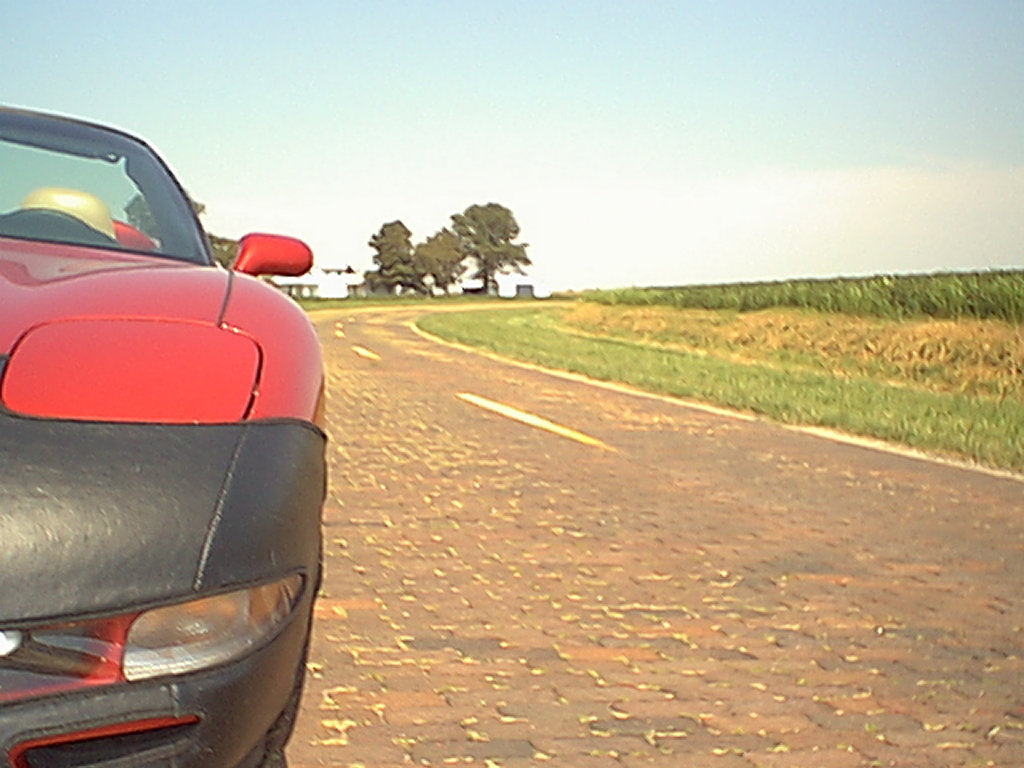 The pictures at right aren’t about advances in equipment but a comparison of equipment I had on that first trip. The picture on the left is one of the few unedited pictures I still have from the Agfa. I also carried a 35mm Nikon pocket camera which took the picture on the right. I have no idea what that proves but there it is.
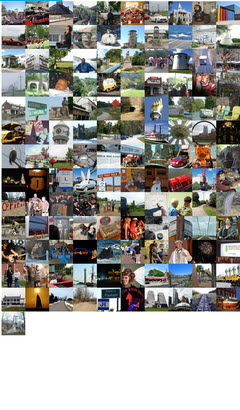
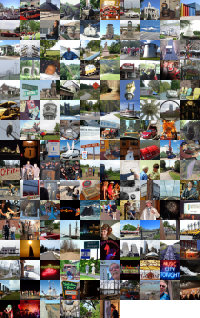 The final cover page for that trip talks about it being temporary. As I said at the time, I expected it to go away because “I’ll need the space or retiring it will just seem right.” Web space became increasingly cheap and apparently retiring it never seemed right. Two decades later that first trip journal is still online and I’ve added 155 more. There is a clickable index of them all as well as a clickable collage. The collage, composed of one image from each of the trips, is a big favorite of mine. Visually skimming over it is a great reminder of what I’ve done with my gas money over the last twenty years. Pausing on any one of those images will always trigger a flood of memories which I can delve into deeper with just a click.
I’m spending this twentieth anniversary at home. I was on the road when the tenth anniversary rolled around. The 1999 trip consisted of following Historic Route 66 to Los Angeles to join a caravan to the Corvette Museum in Kentucky. The 2009 trip was quite similar with the westbound portion being the Lincoln Highway to San Francisco to again caravan to the museum. That was before this blog existed or I might have done a post similar to this one. Instead, I included a brief summary of the day ten years prior in the appropriate daily journals. I began those summaries with the first posting rather than the first day of travel so they begin on the latter trip’s sixth day, August 20, 2009. The summary of the final day of the first trip ended with these words: “It’s really hard for me to imagine a twentieth anniversary for this website but it’s no easier imagining an end. Watch this space.” I’m really happy that some of you are still watching.
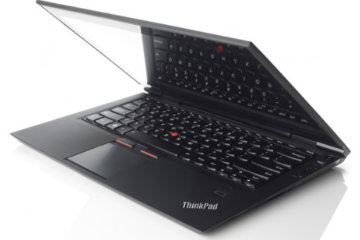 Before I talk about my new computer I have to bring things up to date on my old computer. The computer being retired is a Lenovo ThinkPad T400 that I bought in March of 2009 but which didn’t appear as a My Gear item until October of 2012. At that time I was already bragging about its longevity and it is still functioning today although it’s hardly original and the ThinkPad 13 replaced it as my front line machine nearly half a year ago [12/12/16].
 For something that did not even register on my radar a month ago, the concept of mobile-friendly websites has grabbed a lot of space on this blog in the young 2016. The first post of the new year led to me realizing that mobile devices should not simply be ignored. The second post discussed a little of what I had learned and described the first steps taken to be mobile-friendly. And this, the fourth post of the new year, is a report on reaching a milestone on the road to mobile friendliness.
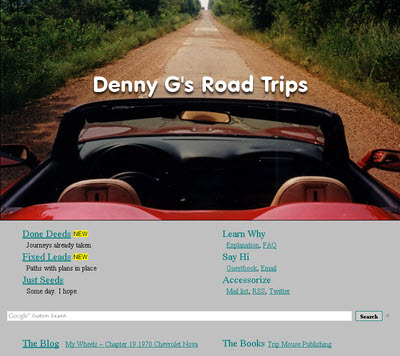
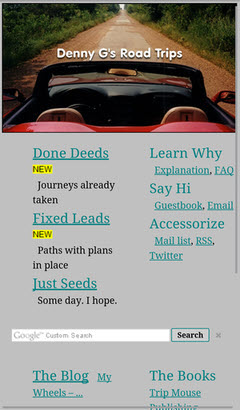 The milestone I speak of is having a home page that passes both Google and Bing mobile friendliness tests. That’s it at the top of the article in desktop (actually laptop) view and at the left in smartphone view. It is the biggest change to the website’s front door in at least fifteen years. It retains most of the flavor and function of the previous version but is simpler and scales down a lot better. About the only things missing are the RSS feeds from Route 66 News, Roadside America, and American Road Magazine and the randomly selected road trip photo and link at the page’s upper right. Both came with a lot of overhead and I don’t recall anyone ever complimenting me on either. I personally really liked the random picture thing, however, and have kept it alive with a “Done Deeds”-“All Trips”-“Random” menu item. The Google ads also seem to be fairly high in overhead and, although I’m hanging on to them for the present, I will be keeping an eye on them and they could go missing.
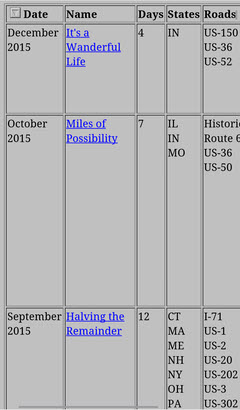 There are a few pages that may never be truly mobile-friendly as Google and Bing see things. Among these are both Oddment and Road Trip index pages. While changes have been made to make text on the pages readable on mobile devices, the table displays overflow smartphone screens in all directions and require zooming and/or panning to view. There are schemes, using pop-ups and such, to make tables slimmer and more mobile-friendly. I don’t really like any I’ve seen and am firmly of the belief that the conversion effort would not be justified for either of these tables. While they might not be officially mobile-friendly, and I have no quibbles with either Google’s or Bing’s criteria, they seem quite usable on my smartphone and I don’t consider them overly unfriendly.
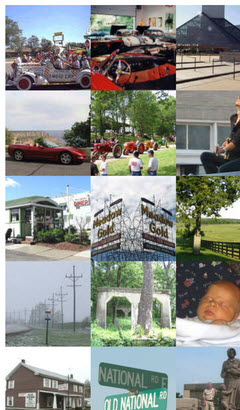 The Clickable Collage is another page which is not officially mobile-friendly. Containing a single photo from every completed road trip, it allows the individual photos to be clicked to access the journal for the associated trip. It was formerly available through a link below the randomly selected photo at the home page’s upper right. It is now reached through the “Done Deeds”-“All Trips”-“Collage” menu item. Although I don’t expect everyone to experience the same memory stimulation I do when viewing the collage, I have to believe that it is most impactful when seen in its entirety. Of course this is best done on a full size (whatever that is) screen where the total view is also actually usable. Making this collage fit a small screen by forcing it into one or two very tall columns just seems wrong and more irritating than impressive. It is clearly not a natural fit for smartphone screens but it can, like those index pages, be viewed and used by panning. It can also be zoomed to fit but, while this view of

 I subscribe to more than seventy blogs. Most are very quiet and some are probably dead. Only a half dozen or so actually publish much of anything on a regular basis. When I’m at home, leisurely sipping coffee, keeping up with them is simple and not a problem. When I’m traveling, it is simply not possible,
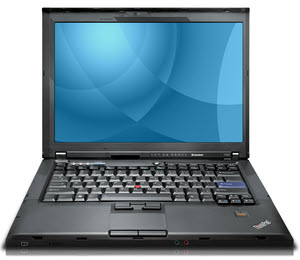 An HP Pavilion barely made it two years, a Toshiba Satellite didn’t quite make three, and both were limping during their final months of service. This post is being written on a Lenovo T400 that’s still going strong after three and a half years as my do-everything and go-everywhere computer. My computers aren’t really treated harshly but they certainly aren’t pampered. That includes the Lenovo and I’m convinced that its relative longevity is due entirely to superior design and build quality. It seems to truly be an example of “getting what you pay for”.
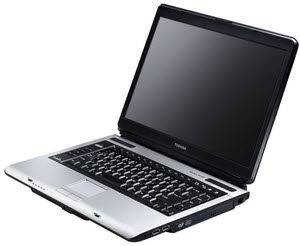 My HP Pavilion was misbehaving by September of 2005 but I somehow put off buying a replacement until April of 2006. The problem was a motherboard crack that affected the power. I could minimize its surprise shut-downs by keeping it stationary so I nursed it through the winter by doing just that and using the aged but trusty Toshiba Portege from time to time. Because both the Portege and the Libretto had served me well, when I finally I went shopping it was specifically for a Toshiba. For $850 I got a Satellite A105 with an 80 GB hard drive and a 1.7 GHz Intel Celeron processor running Windows XP. I believe it might have come home with 512 MB RAM but I soon brought that up to the maximum 2 GB. This was a pretty nice machine.
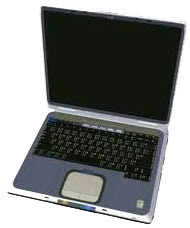 Despite this seeming to be the most expensive computer I’ve ever owned, I remember very little about it. Oh, I definitely remember owning it and its painful demise. I just don’t remember any technical details about it. I do remember that its purchase was triggered by the need to replace a desktop PC.
 Having blown nearly 400 bucks on a